Available in Chinese only
The content of this showcase is currently only available in Chinese.
How to Apply
New members and renewals — complete these three steps to submit your application.
- 1
Step 1
Complete the form
- 2
Step 2
Pay membership fee
- 3
Step 3
Upload payment proof
1
Step 1
Complete the online application form
Register an account first, then complete the form in your profile.
- Click "Join us / Sign in" at the top right and register with your email
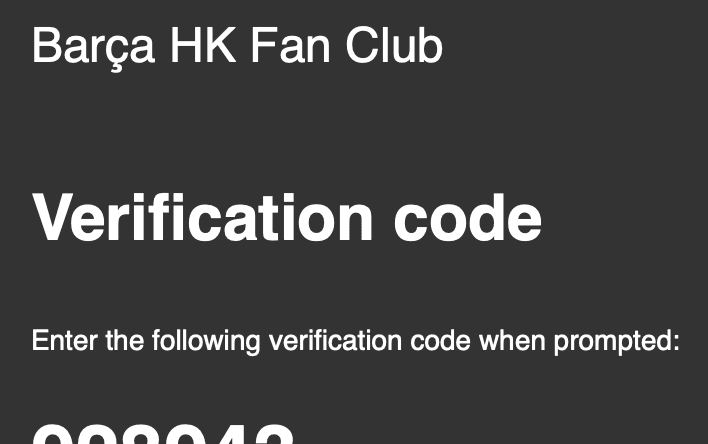
- Check your inbox for the verification code and sign in
- Open "Personal Information" from the top-right menu and submit the application form



2
Step 2
Pay the membership fee
Open annual membership or renewal from your account menu and pay as instructed.
- From the top-right menu, select annual membership or renewal
- Review membership benefits and fee details
- Complete payment using your chosen method

3
Step 3
Upload payment proof
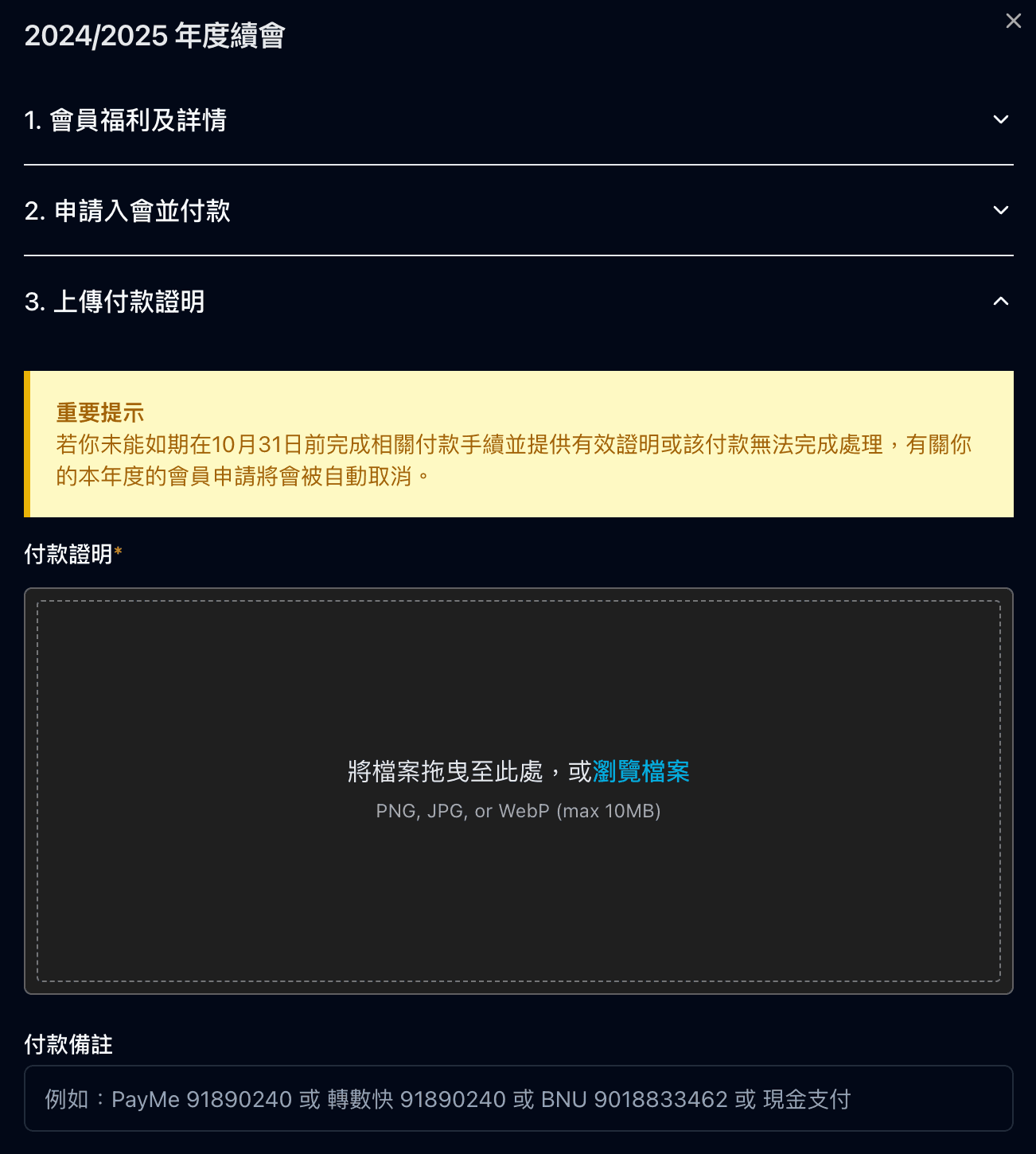
After payment, upload your proof in the application and submit.
- Keep your payment receipt or screenshot
- Upload the payment proof file in the application flow
- Review all details and submit your application
Application complete
Once all three steps are done and submitted, your application is complete. If the final page shows "Your response has been recorded. Welcome to be our member!", your membership application has been received. Approval is typically completed within 14 working days.